
DLNA for Retail » Education » Tech Support
You're a technical support professional.

It's not easy.

But some exciting changes are underway.

We're DLNA® — the Digital Living Network AllianceSM
  • an organization of over 250 world-leading consumer electronics (CE), personal computer (PC) and mobile companies
  • working together to benefit consumers
  • the industry, the marketplace
  • and you, too

By making it easier for consumers to buy products certified to work together, DLNA can make your job much easier and more satisfying, too.

Our slogan is "connect and enjoy."

Ease and compatibility are two more terms that should come to mind when you think about our mission.

Next: The Challenge

Here's the situation.

As you well know, consumers are using more and more digital media products, both around the house and away from home.

  • music players
  • cameras
  • camcorders
  • DVD players
  • smart phones
  • printers
  • PCs and more

All from different manufacturers, with different platforms and interfaces

Today's digital home experience has been limited to three isolated islands of devices that offer little or no interoperability.

Today's digital home experience has been limited to three isolated islands of devices that offer little or no interoperability.

Many consumers are frustrated when they try to make all these products talk to each other as part of a digital home network. They want to:

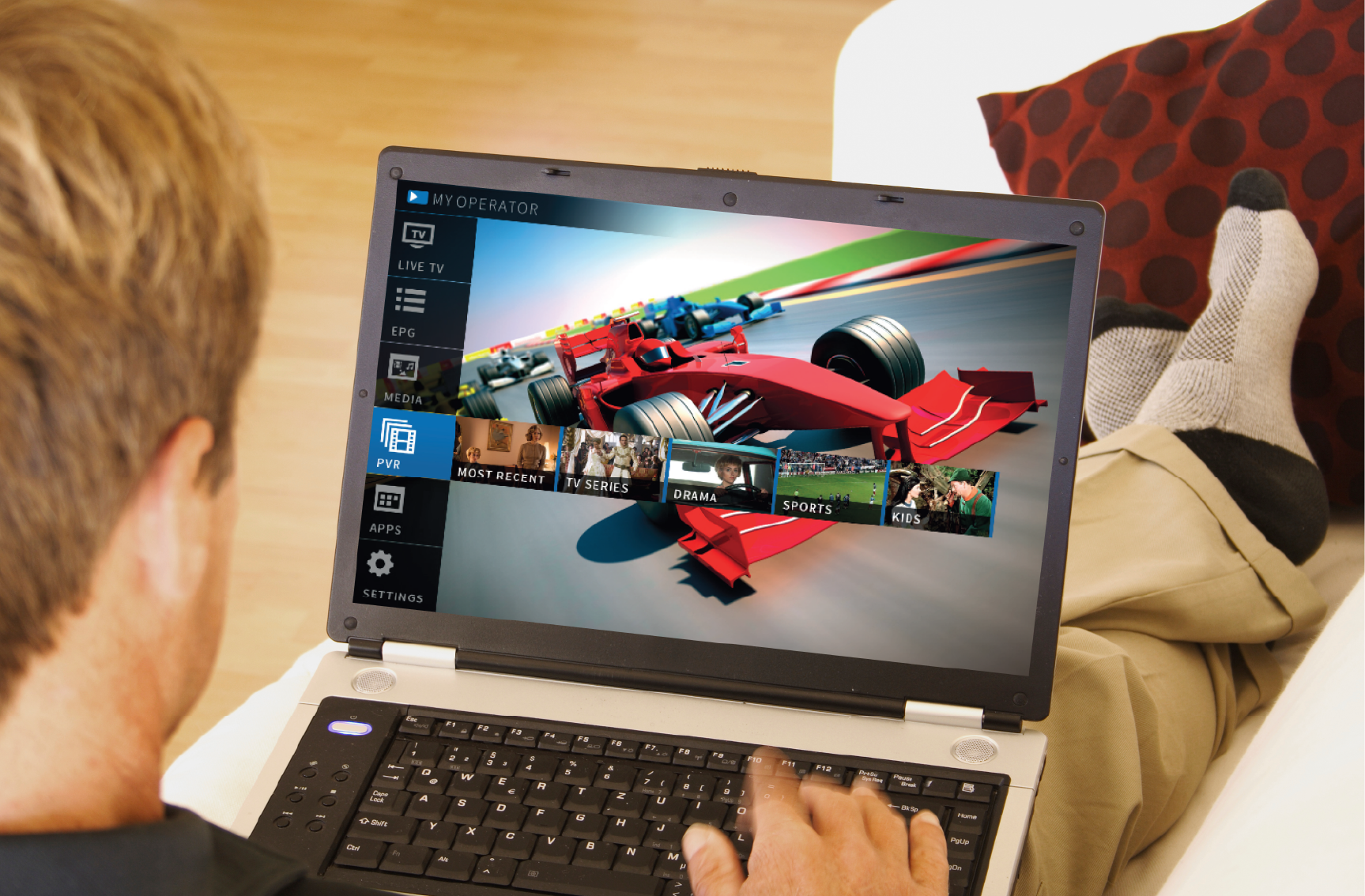
  • Watch movies from their home office laptop on the living room TV
  • Enjoy music from a portable MP3 player on their home sound system
  • Send pictures and video from their smart phone to a printer or PC

The list goes on.

By converging these devices into a single digital network, DLNA member companies are working to allow people greater access and enjoyment of their digital entertainment.

By converging these devices into a single digital network, DLNA member companies are working to allow people greater access and enjoyment of their digital entertainment.

Back: Our Mission
Next: The Solution

How DLNA Certification Can Help

What if these products were certified from the very start to work together— providing the trouble-free interoperability customers want?

That's exactly what DLNA Certified™ devices offer.

Thanks to DLNA, manufacturers can now turn to open standards, platforms and software infrastructures to develop a common environment for sharing digital content between devices.

And the beauty of it is, we're ready. Right now. Just think of the possibilities.

Our DLNA vision will help technical pros like you by focusing on three key elements:

  • industry collaboration
    getting more manufacturers of CE, PC and mobile products you sell to become DLNA member companies
  • interoperability based on published guidelines
    using open standards and DLNA guidelines to make these products work together easily—to help consumers buy and stores sell
  • the development of compelling products
    using interoperability as a springboard for new, inventive and highly marketable products
Back: The Challenge
Next: How it Works

Here's How it Works

Look for the Logo

DLNA CERTIFIED(TM) Logo

The DLNA Certified logo makes it easy for consumers and your sales team to know which products work together.

They'll see it on packaging, on products and in literature.

We believe DLNA certification will make everyone's life easier, including yours.

Still, as the technical part of the story, there are basic things you'll need to know when talking to customers and servicing some of these products.

The DLNA Networked Device Interoperability Guidelines

The DLNA Networked Device Interoperability Guidelines currently call out 12 different device classes in three major device categories:

  • Home Network Devices (HND)
  • Mobile Handheld Devices (MND) and
  • Home Infrastructure Devices (HID)

It's this diverse range of devices that allows consumers to share digital content among DLNA Certified products throughout the home.

So let's look at a breakdown of each of these three categories...

Back: The Solution
Next: Device Classes

DLNA Certified Device Classes

Home Network Devices

  • Digital Media Server (DMS):

    Digital Media Server

    These devices store content and make it available to networked digital media players (DMP) and digital media renderers (DMR). Some digital media servers can also help protect your content once stored.

    Examples: PCs and network attached storage (NAS) devices.

    Digital Media Server
  • Digital Media Player (DMP):

    Digital Media Player

    These devices find content on digital media servers (DMS) and provide playback and rendering capabilities.

    Examples: TVs, stereos and home theaters, wireless monitors and game consoles.

    Digital Media Player
  • Digital Media Renderer (DMR):

    Digital Media Renderer

    These devices play content received from a digital media controller (DMC), which will find content from a digital media server (DMS).

    Examples: TVs, audio/video receivers, video displays and remote speakers for music.

    Digital Media Renderer
  • Digital Media Controller (DMC):

    Digital Media Controller

    These devices find content on digital media servers (DMS) and play it on digital media renderers (DMR).

    Examples: Internet tablets, Wi-Fi® enabled digital cameras and personal digital assistants (PDA).

    Digital Media Controller
  • Digital Media Printer (DMPr):

    Digital Media Printer

    These devices provide printing services to the DLNA home network. Generally, digital media players (DMP) and digital media controllers (DMC) with print capability can print to DMPr.

    Examples: networked photo printers and networked all-in-one printers.

    Digital Media Printer

Mobile Handheld Devices

  • Mobile Digital Media Server (M-DMS):

    Mobile Digital Media Server

    These wireless devices store content and make it available to wired/wireless networked mobile digital media players (M-DMP), digital media renderers (DMR) and digital media printers (DMPr).

    Examples: mobile phones and portable music players.

    Mobile Digital Media Server
  • Mobile Digital Media Player (M-DMP):

    Mobile Digital Media Player

    These wireless devices find and play content on a digital media server (DMS) or mobile digital media server (M-DMS).

    Examples: mobile phones and mobile media tablets designed for viewing multimedia content.

    Mobile Digital Media Player
  • Mobile Digital Media Uploader (M-DMU):

    Mobile Digital Media Uploader

    These wireless devices send (upload) content to a digital media server (DMS) or mobile digital media server (M-DMS).

    Examples: digital cameras and mobile phones.

    Mobile Digital Media Uploader
  • Mobile Digital Media Downloader (M-DMD):

    Mobile Digital Media Downloader

    These wireless devices find and store (download) content from a digital media server (DMS) or mobile digital media server (M-DMS).

    Examples: portable music players and mobile phones.

    Mobile Digital Media Downloader
  • Mobile Digital Media Controller (M-DMC):

    Mobile Digital Media Controller

    These wireless devices find content on a digital media server (DMS) or mobile digital media server (M-DMS) and send it to digital media renderers (DMR).

    Examples: personal digital assistants (PDAs) and mobile phones.

    Mobile Digital Media Controller

Home Infrastructure Devices

  • Mobile Network Connectivity Function (M-NCF):

    These devices provide a bridge between mobile handheld device network connectivity and home network connectivity.


    Mobile Network Connectivity Function
    Mobile Network Connectivity Function
  • Media Interoperability Unit (MIU):

    These devices provide content transformation between required media formats for home network and mobile handheld devices.


    Media Interoperability Unit
    Media Interoperability Unit
Back: How it Works
Next: Use Cases

Knowing how the Devices Classes work is first step.

The next thing you should know is that DLNA established a set of guidelines governing formats, architectures and protocols which, when combined, make these devices work together.

They include:

  • Link Protection
  • Media Formats
  • Device Discovery, Control and Media Management
  • Media Transport
  • Network Stack
  • Network Connectivity

Bringing it all together, DLNA has also defined six different Use Cases under which DLNA Certified devices interact using our interoperability guidelines.

How DLNA Certified devices …

  • Find and play movies

    Network attached storage to television

    Your movie collection is stored on your network attached storage (NAS), a certified digital media server (DMS). Instead of watching the movie on the little PC monitor in your office, you want to enjoy it on the large flat-panel TV in your living room. Because your DLNA Certified TV is certified as a digital media player (DMP), you can use the DMP capabilities of your TV to find the movies on your NAS, and then play them on the TV.

    Find and play movies
  • Send and display photos

    Camera to television

    You have photos stored on your digital camera, a certified digital media controller (DMC). You want to look at them on your TV. With a DLNA Certified camera, you can send the photos to your DLNA Certified TV, which, if certified as a digital media renderer (DMR), can use those capabilities to display the photos.

    Send and display photos
  • Find, send and play music

    PC to speaker

    You’ve loaded all your favorite music onto your PC, a certified digital media server (DMS). Using your DLNA Certified personal digital assistant (PDA), which may be certified as a mobile digital media controller (M-DMC), you can find songs you want on your PC and send them to play on your DLNA Certified wireless speakers. In this case, the speakers deliver the capabilities of a certified Digital Media Renderer (DMR).

    Find, send and play music
  • Upload photos

    PDA to network attached storage

    There are photos on your personal digital assistant (PDA), a certified mobile digital media uploader (M-DMU), you want to send and save to your newtork attached storage (NAS). Using a DLNA Certified PDA, you upload the photos to your DLNA Certified network attached storage (NAS), which operates as a certified Digital Media Server (DMS).

    Upload photos
  • Download music

    PC to MP3 Player

    You want to transfer music from your PC, a certified Digital Media Server (DMS) in this scenario, to your MP3 player, a certified mobile digital media downloader (M-DMD). With DLNA Certified devices, you download the music from your PC using the MP3 player.

    Download music
  • Send and print photos

    WiFi camera phone to printer

    You have a photo on your WiFi® enabled camera phone you want to print. Assuming the phone is a certified mobile digital media controller (M-DMC), you can send the photo to your DLNA Certified printer, a certified digital media printer (DMPr), to print.

    Send and print photos
Back: Device Classes
Next: Get Involved

Get Involved with DLNA

Today's digital media products are finding, sending, playing and printing the exciting digital content consumers want. DLNA member companies understand that consumers (and those that support them!) want their CE, PC and mobile devices to:

  • work conveniently together
  • operate under a common set of standards and guidelines aimed at making the marketplace better

That's the DLNA vision—and we want you to be a part of it.

What's in it for you? Plenty.

With a wealth of DLNA Certified products in the marketplace, and with your knowledge, you'll:

  • Become a more valued asset to your customers and your organization
  • Take less time on service calls
  • Reduce (unbillable) hours spent researching specs and new technologies

Now that you've got the big picture, we're sure you'll have questions and want to learn more.

The good news is, we're ready for you, with a rich source of information at dlna.org.

Now, one final thought—

Why not test your new-found knowledge of DLNA?

If you're one of the first 5,000 quiz takers with a score of at least 80%, you can select a FREE gift!

Back: Use Cases
Next: Take the Quiz!